
Find, buy and access a course
Compare offerings, preview learning, check out and understand trial cancellation.
For: A learner or buyer. Outcome: An active enrolment pinned to the course and delivery option you selected.
Before you begin
Review the delivery mode, tutor, syllabus, price, included tax, trial terms and any entry diagnostic. Sign in with a verified account before payment.
Journey
- Open the course catalogue and filter by subject, level, language, delivery mode or tutor.
- Open a course and review its outcomes, syllabus, schedule and terms.
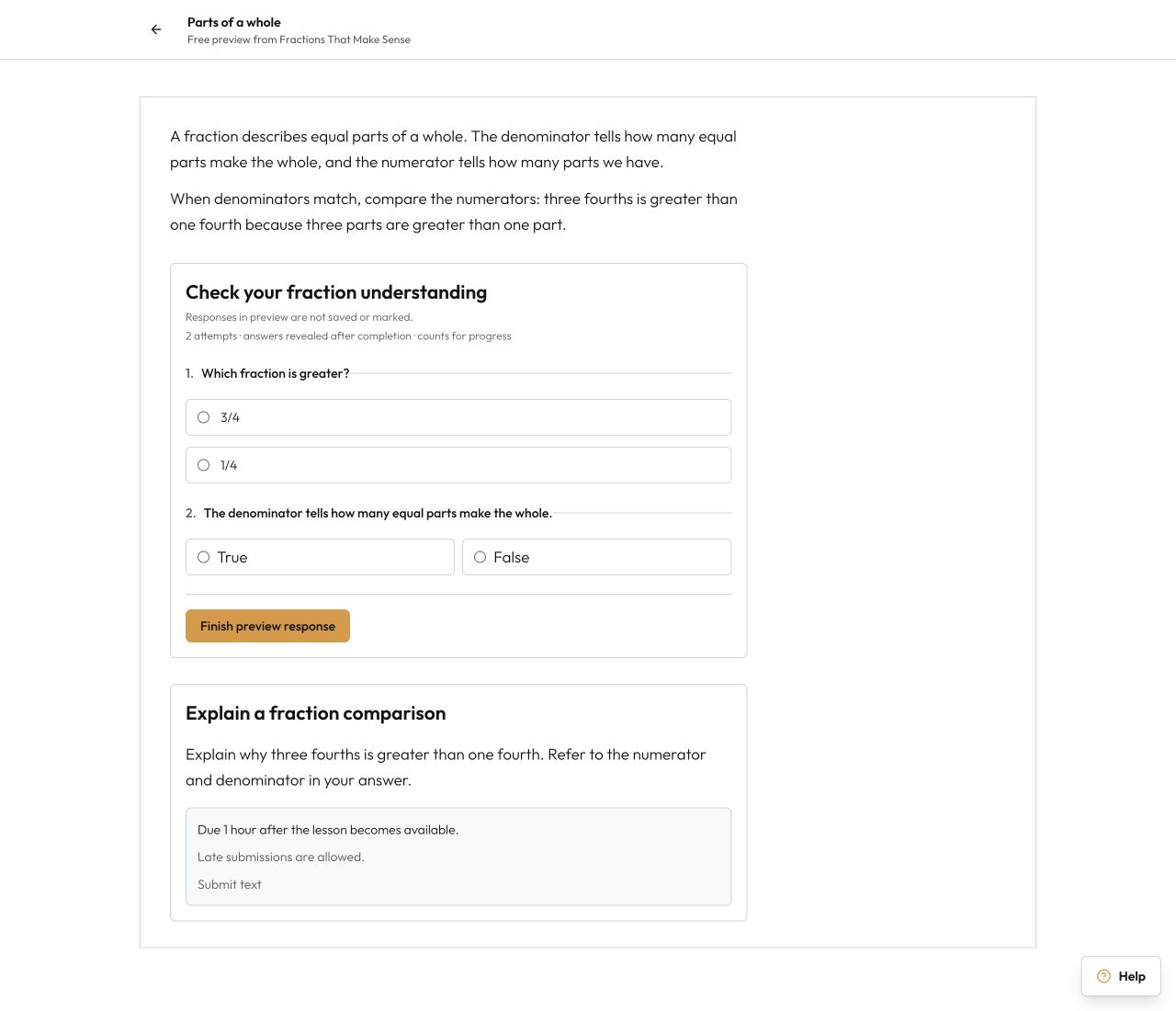
- Use the free preview where available. Preview answers are not saved as learning progress.
 4. Select Review checkout and confirm who will learn.
5. Read the total, tax, trial, refund policy and remedies, then continue to the hosted payment page.
6. Return to Drona after payment. Wait for the confirmed order state before relying on access.
7. Open My learning and select Continue learning.
8. During the trial, open the order if you need to cancel. Review the exact refund and access-loss consequence before confirming.
4. Select Review checkout and confirm who will learn.
5. Read the total, tax, trial, refund policy and remedies, then continue to the hosted payment page.
6. Return to Drona after payment. Wait for the confirmed order state before relying on access.
7. Open My learning and select Continue learning.
8. During the trial, open the order if you need to cancel. Review the exact refund and access-loss consequence before confirming.
What happens next
Successful payment creates learning access for the selected learner. A trial cancellation returns the stated amount and ends access at the time shown. Legal remedies for duplicate charges or undelivered teaching remain separate from discretionary refunds.
Troubleshooting
- If payment is still pending, do not repeat it immediately; refresh the order status first.
- If the course is absent from My learning, open the order and confirm payment and learner identity.
- If a diagnostic gates lessons, complete the first action and follow the stated remedy.