
Getting started
Create and verify your account
Set up your Drona account and confirm your email address.
For: A new learner, guardian or tutor applicant. Outcome: A verified account that is ready for protected actions such as buying a course or applying to teach.
Before you begin
Have access to your email. Choose your preferred language and an accurate time zone; Drona uses the time zone to show class and deadline times.
Journey
- Select Create account.
- Enter your display name, date of birth, email address, preferred language, time zone and a strong password.
- Read and accept the current Terms of Service and Privacy Policy.
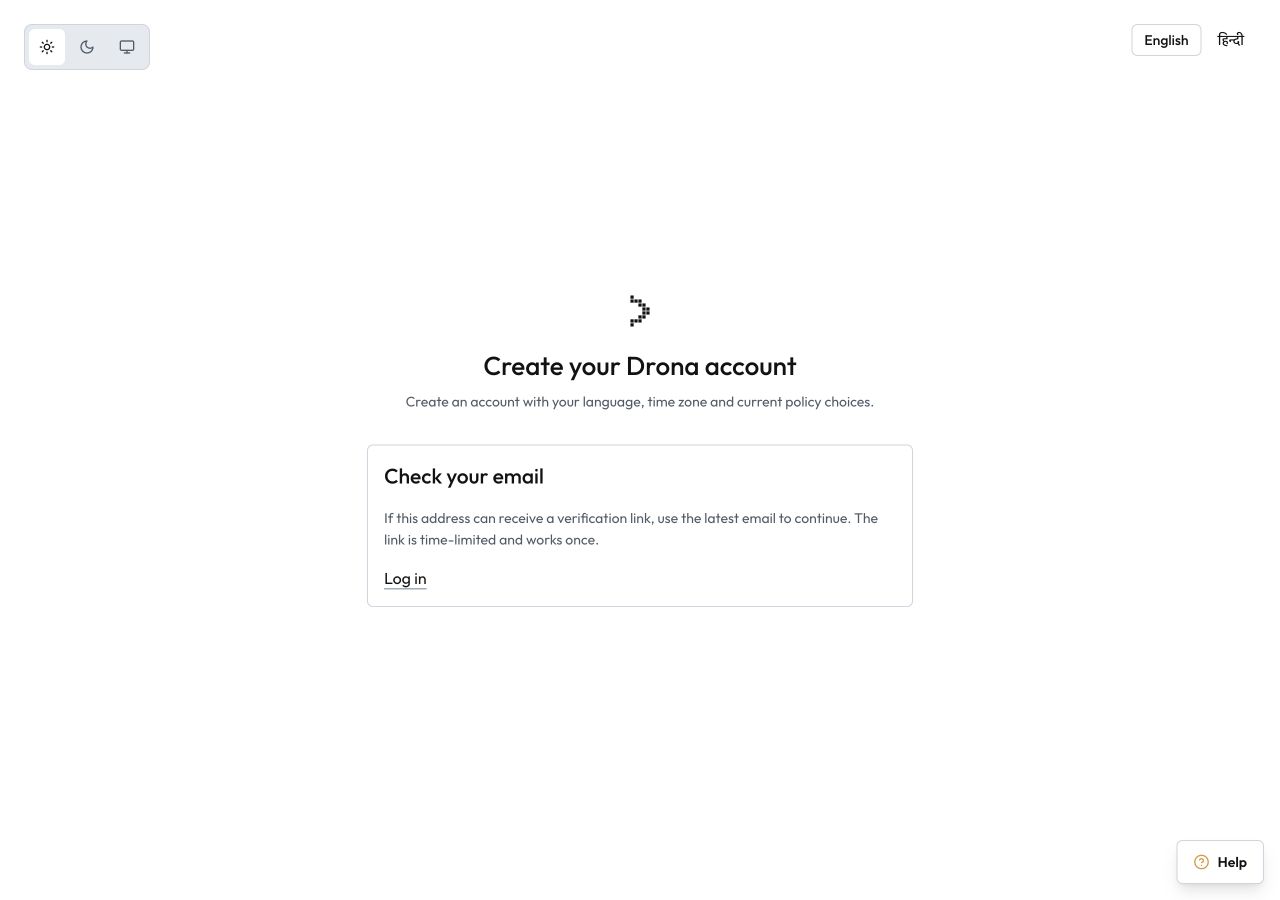
- Submit the form. Drona always shows a neutral confirmation, whether or not the address was previously used.
- Open the newest verification email and follow its link. The link works once and for a limited time.
- Sign in after Drona confirms verification.
What happens next
You can browse courses before verification, but verification is required for protected actions. Your language and time zone can be changed later in settings.
Troubleshooting
- If the message does not arrive, check spam and request a new link. Only the newest link works.
- If a link has expired or was already used, return to Drona and request another.
- If the displayed time zone is wrong, correct it before continuing.