
Learning
Complete assessments and view feedback
Take quizzes, submit assignments and read tutor feedback.
For: An enrolled learner. Outcome: Quiz and assignment evidence appears together in course results.
Before you begin
Read the assessment instructions, attempt limit, due time, submission mode and late policy. Times include your time zone.
Journey
- Open the lesson and select the quiz.
- Answer each question and submit the attempt.
- Review the score and any explanations that the assessment allows Drona to reveal.
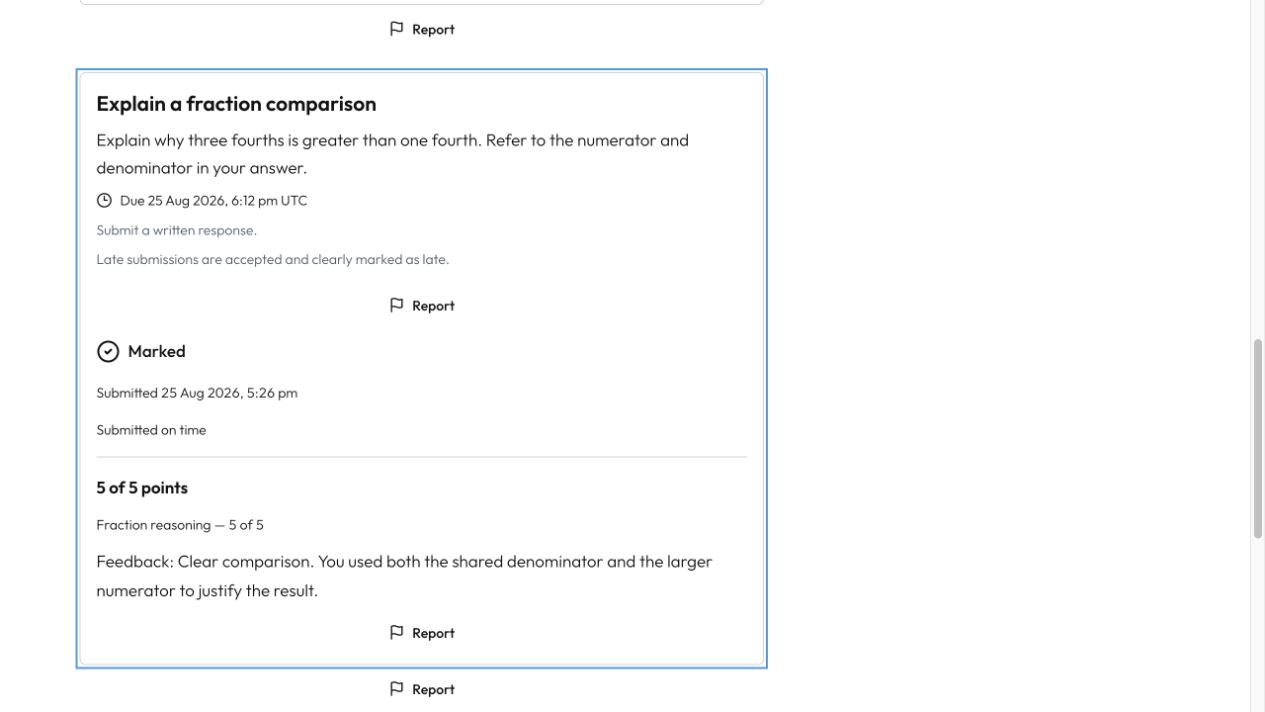
- Open the assignment, read the complete task and submit your response.
- Return after your tutor marks it.
- Read the criterion score and written feedback, then open course results to see both assessment types.
What happens next
Submitted work is retained as the attempt you made. Missing evidence remains neutral; Drona does not treat an objective you have not attempted as a failure.
Troubleshooting
- If Start quiz is unavailable, check the lesson or attempt conditions shown on screen.
- If a deadline looks wrong, verify your account time zone.
- If feedback is not ready, the assignment remains clearly marked as awaiting feedback.