
Learning
Use the lesson player
Play a generated lesson, use captions and complete checkpoints.
For: An enrolled learner. Outcome: A lesson resumes from your saved position and records completion accurately.
Before you begin
Open the course from My learning. Some authored lesson content may remain in its original language even when Drona controls are shown in your chosen language.
Journey
- Open the learning path and select an available lesson.
- Start playback. Turn captions on or off and use the transcript to move to a spoken section.
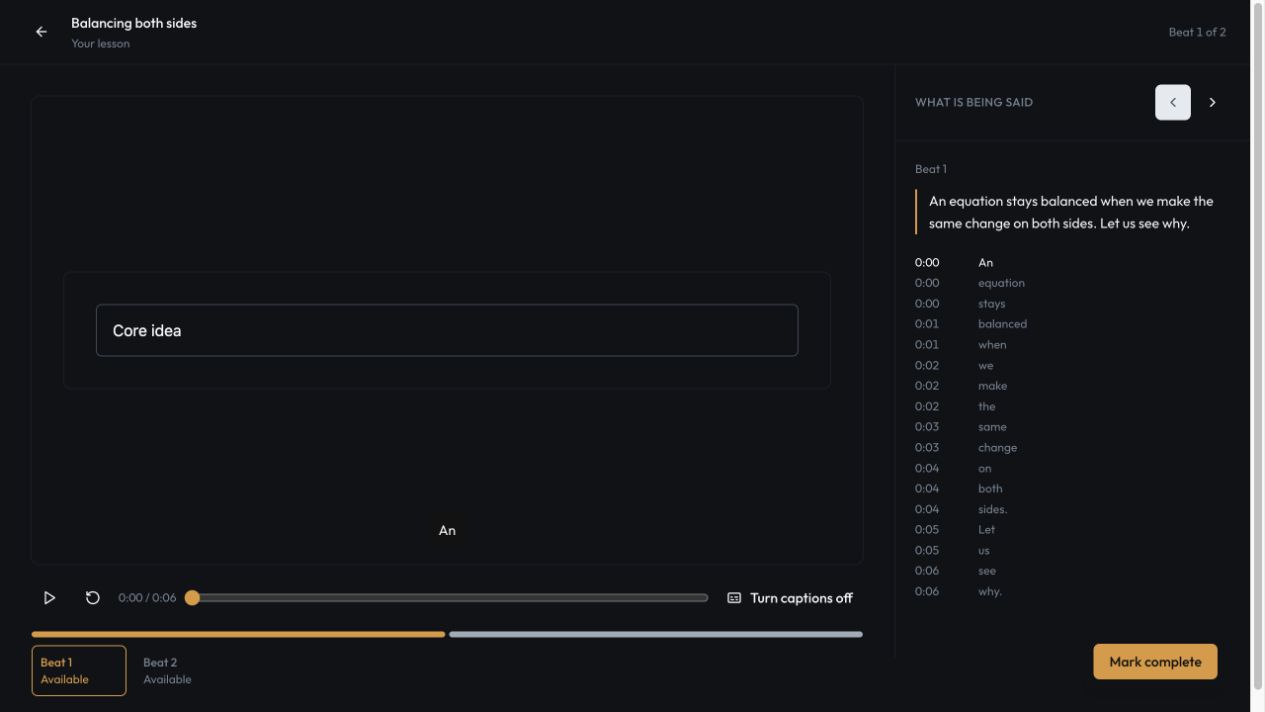 3. At a comprehension checkpoint, answer the prompt before continuing.
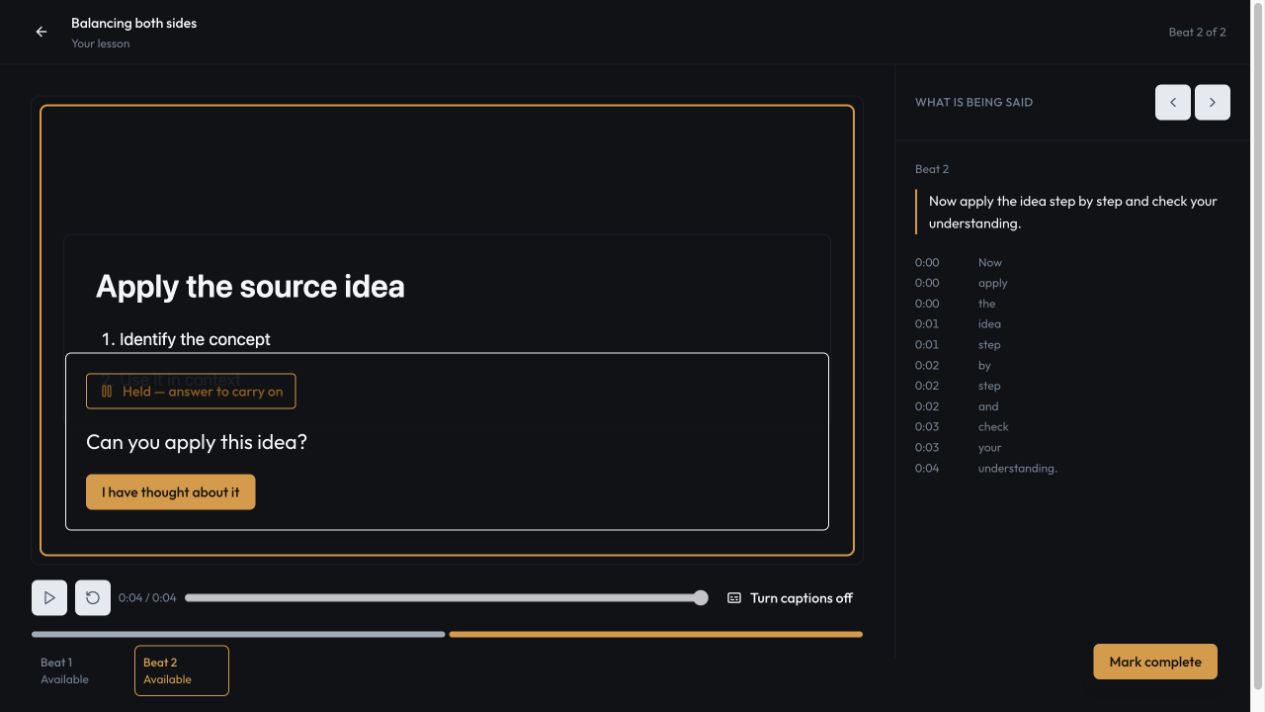 4. Leave and reopen the lesson if needed. Drona restores the saved beat and position.
5. Select Mark complete after finishing the lesson.
4. Leave and reopen the lesson if needed. Drona restores the saved beat and position.
5. Select Mark complete after finishing the lesson.
What happens next
Your learning path shows completed progress. Checkpoint responses contribute evidence for the exact objective and teaching approach used in that lesson.
Troubleshooting
- If playback stops at a question, submit a response before using navigation.
- If audio does not start, check browser audio permission and reload the lesson.
- If access has ended, open the enrolment or order for the current reason and available remedy.